

Warning: IFR Geekery Ahead!
If you’re deep into IFR training or just love aviation tech, welcome! If you’re here by accident and wondering what the heck a hold is, you might want to sit this one out—unless you enjoy unnecessary levels of detail about flying in circles.
Today, we’re diving into how to use the Garmin GTN 650/750 to set up IFR holds, specifically arbitrary DME holds, which aren’t as straightforward as the more common published holds. Why? Because being prepared is never a bad thing when flying IFR, and having a strategy to configure these holds quickly can make a huge difference—especially when flying single-pilot IFR in busy airspace.
Learning to Hold: The IFR Student’s Perspective
As an IFR student, hold procedures can feel overwhelming. There are a lot of moving parts—communicating with ATC, staying situationally aware, determining the correct entry, tracking radials, adjusting for wind, and executing standard rate turns. It’s easy to get behind the airplane if you’re not ahead of the procedure.
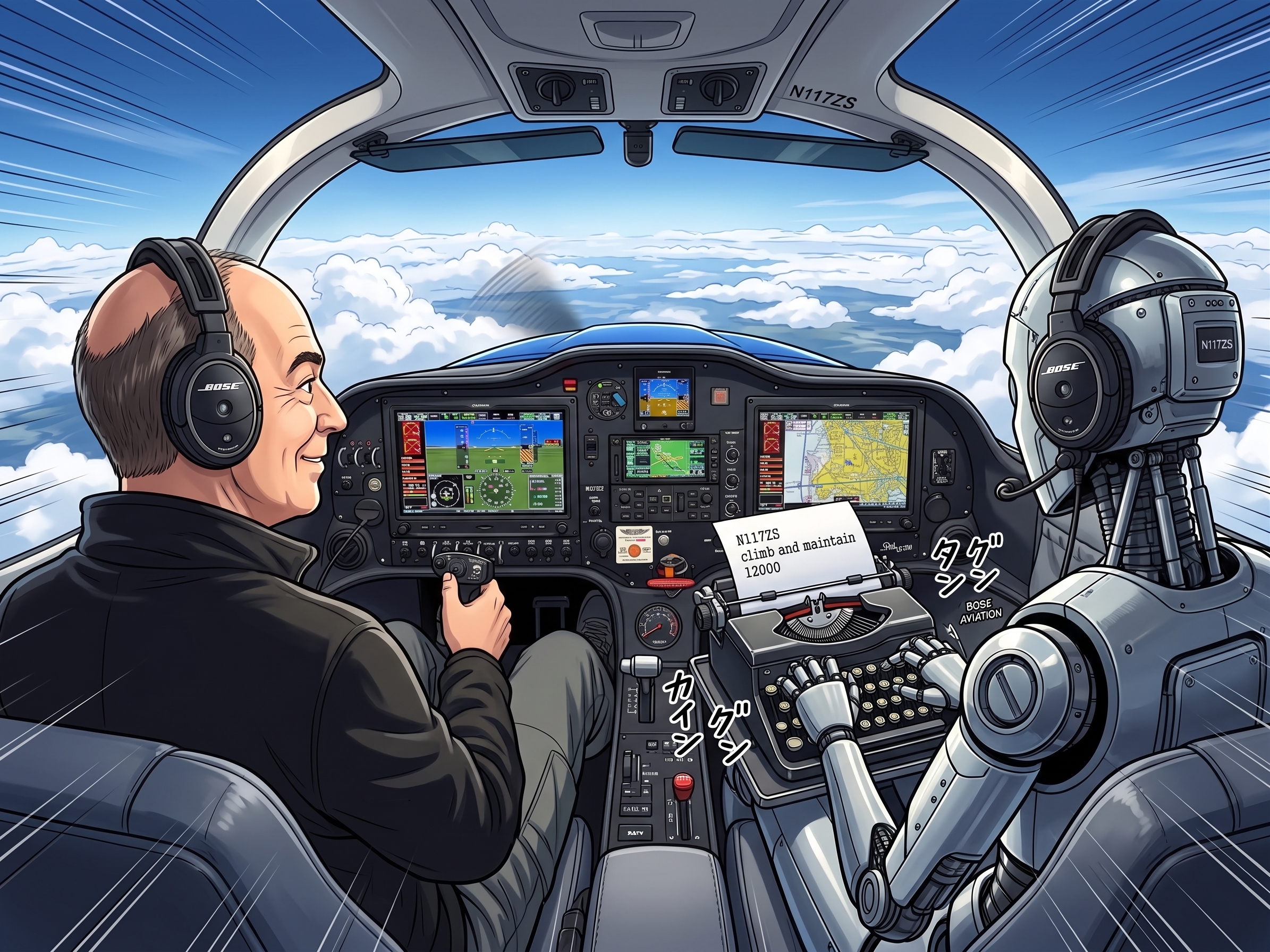
But here’s the good news: modern avionics make holds much easier, especially with an EFIS and an autopilot. Once properly configured, the Garmin GTN 650/750 provides turn guidance, entry recommendations, and autopilot integration to remove much of the workload.
Handling Holds in the GTN 650/750
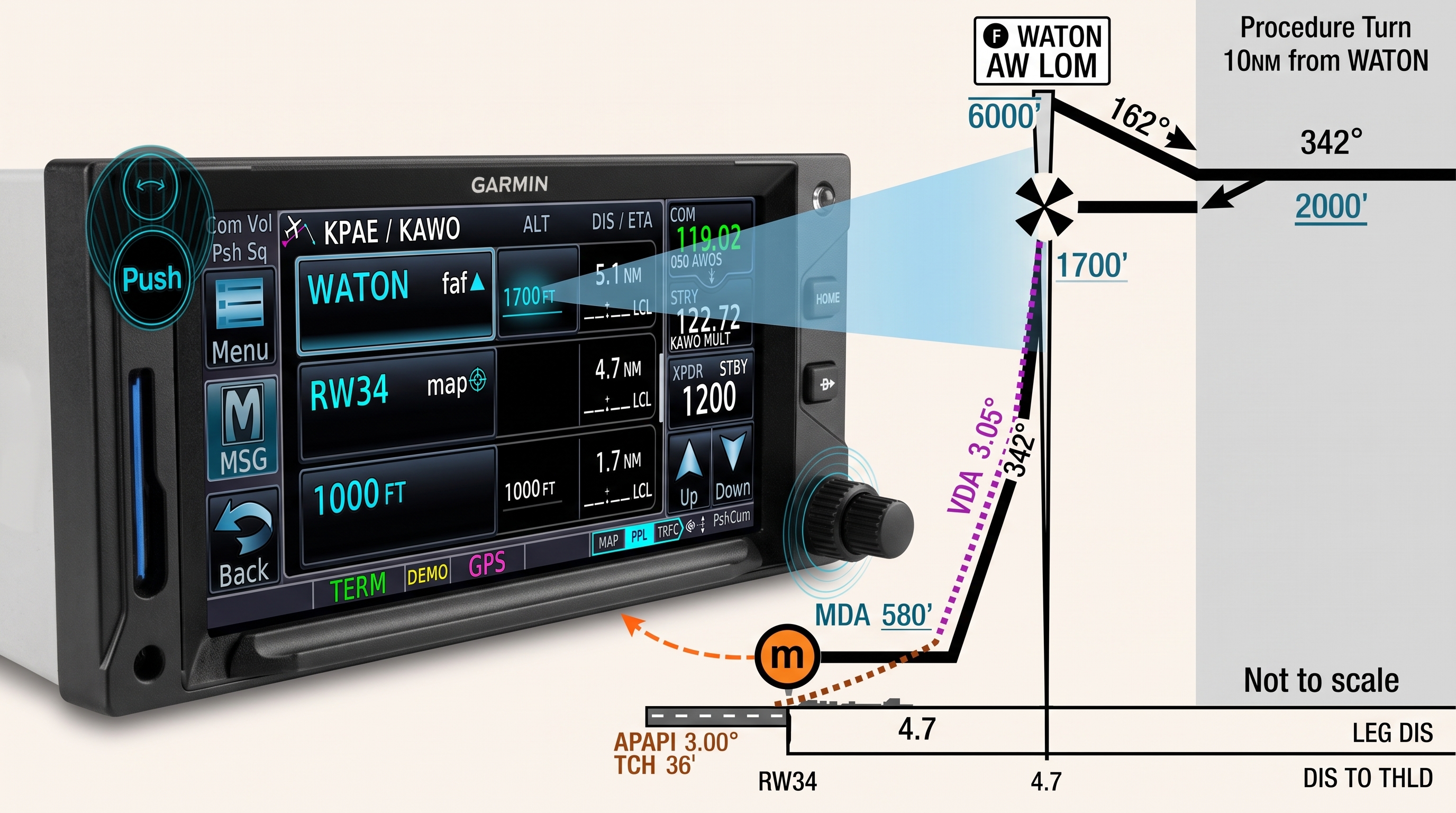
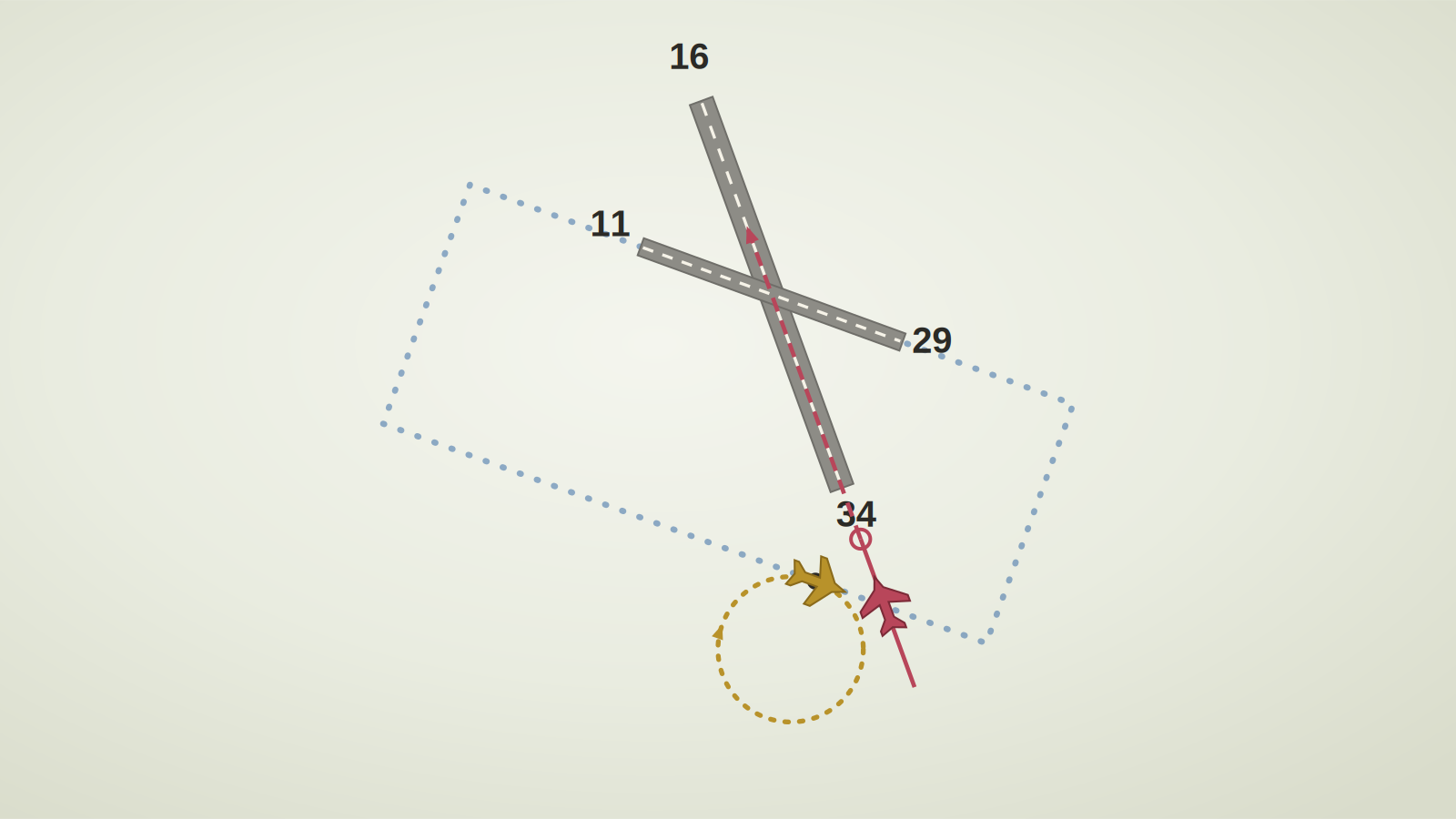
When a hold is part of a published procedure—such as an approach, missed approach, or waypoint hold—the GTN 650/750 automatically enters it into the flight plan. The navigator determines the correct entry type, provides turn guidance, and allows the pilot or autopilot to fly the hold if enabled. Essentially, it removes much of the mental workload, allowing you to focus on monitoring the procedure rather than manually calculating entries and timing.
You can also manually configure a hold at any published waypoint by inserting the waypoint into the flight plan and selecting the hold function. The GTN provides guidance just as it would for a procedure-based hold, making it easy to incorporate holding patterns into flight planning.
What About DME Holds? The Tricky Part
If ATC assigns a DME hold, things get a bit trickier. Unlike waypoint holds, there isn’t an obvious way to enter these into the GTN. Instead, pilots often have to fly them manually using raw data, which adds workload—especially in IMC or busy airspace.
That’s why I went down a rabbit hole looking for a better way to do it. Garmin’s manual didn’t have much, online forums barely touched the topic, and most pilots shrugged it off as “DME holds aren’t that common.” But I prefer to be prepared, so I figured out a way to make it work.
“The more we sweat in training, the less we bleed in battle.” – Richard Marcinko
How to Configure a DME Hold in the GTN 650/750
ATC Instruction: “N117ZS, cleared to Paine VOR, hold W on the 270 radial at 10 DME. Expect Further Clearance at 00:47 UTC, current time 00:40 UTC.”
Since DME holds don’t automatically populate in the navigator, we have to create a custom waypoint at the assigned radial and distance. Here’s how:
1. Define a custom waypoint – Using the User Waypoint function, create a waypoint that corresponds to 10 DME on the 270 radial from PAE VOR.


2. Add the custom waypoint to the flight plan

3. Configure the hold – Set up the hold parameters just like a normal published hold

4. Activate the hold

Once set up, the navigator treats the hold like any other—providing entry guidance, turn anticipation, and (if enabled) autopilot integration.
Final Thoughts: Making Holds Manageable
After figuring out this method, I can set up a hold in under a minute—which is way better than fumbling through charts and trying to manually time everything in a busy IFR environment.
Understanding how to configure a hold quickly is a huge safety advantage. IFR flying is all about staying ahead of the airplane, and reducing workload when possible means you can focus on flying rather than scrambling with avionics.
Hope this helps any fellow IFR students or pilots looking to make their hold procedures a little easier. If you’ve got any other GTN tips or tricks, drop them in the comments—I’m always up for learning new ways to make IFR flying smoother!
“Holding: Because nothing builds character like flying in circles.” – Some wise CFI


Leave a Reply